
Upload your NotebookLM slides
Add the PDF or slide images you want to continue working with.
Upload your NotebookLM PDF or slide images, remove the watermark, and download a PowerPoint you can continue editing.
PNG, JPG or PDF · Max 50 MB · Up to 20 slides
Remove the NotebookLM watermark while turning the slide into a PowerPoint you can update, reuse, and share.
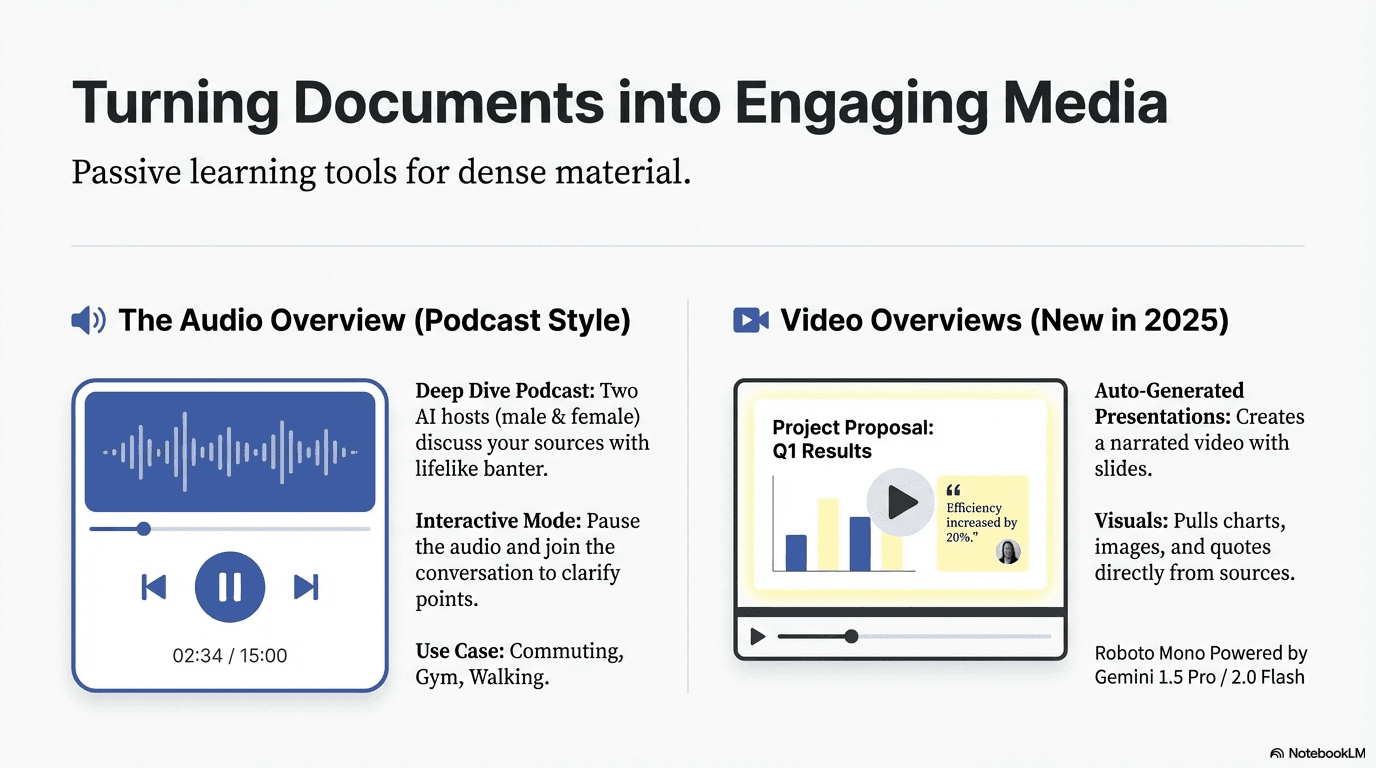
Add the PDF or slide images you want to continue working with.
Keep the watermark option selected while setting up your conversion.
Open the finished PowerPoint and update the slide for your next presentation.
Continue with the design you already chose while updating the content that changes from one presentation to the next.
Prepare a clean version for meetings, classes, workshops, and client presentations.
Rewrite headlines, descriptions, labels, dates, and numbers directly in PowerPoint.
Keep a visual direction you like and adapt the presentation for a new audience.
Keep or remove the NotebookLM logo before you start the conversion.
Download a cleaner PowerPoint, update supported text, and reuse the slide for your next presentation.
Remove watermark freeLogo removal, editable output, supported inputs, pricing, and file availability.
Yes. Keep Remove watermark selected when setting up your conversion, and EditLM will return the slide without the NotebookLM logo.
Yes. You can choose to keep or remove it before starting the conversion.
EditLM removes the watermark and rebuilds supported slide text as editable PowerPoint text boxes.
Upload a NotebookLM PDF or slide images in PNG or JPG format.
Yes. Your first slide conversion is free, with no subscription required.
Your finished PowerPoint remains available for seven days so you can download and review it.
Upload a NotebookLM slide and download a cleaner, editable PowerPoint.
Remove watermark free