
Upload your presentation PDF
Add a PDF up to 50 MB and choose the pages you want to convert.
Turn presentation PDFs into reusable PowerPoint slides with text ready to update.
PNG, JPG or PDF · Max 50 MB · Up to 20 slides
Keep the finished look of your slide while making headlines, labels, dates, and other supported text ready to change.
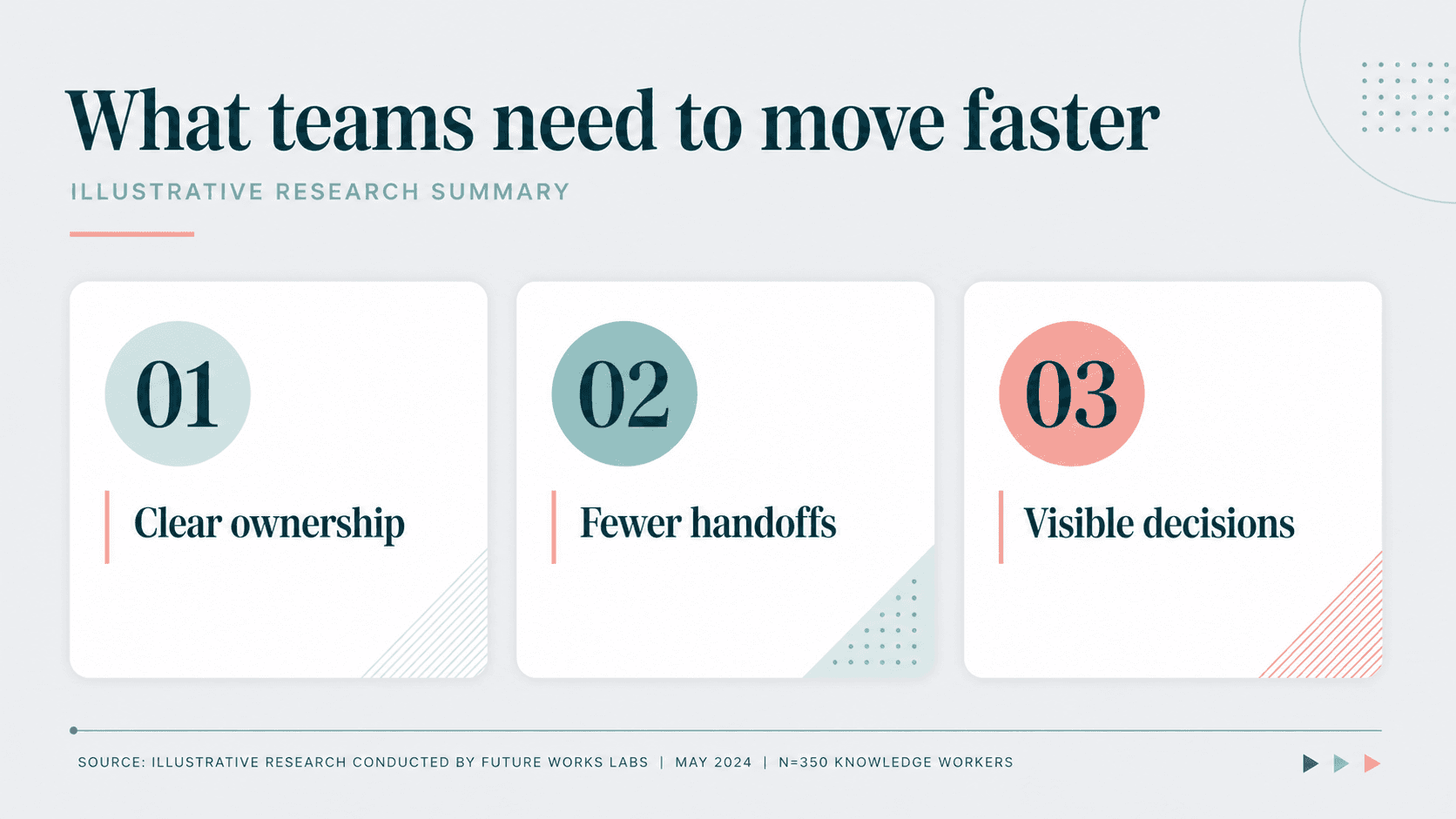
Add a PDF up to 50 MB and choose the pages you want to convert.
EditLM prepares the selected pages as a PowerPoint you can keep working with.
Open the result in PowerPoint or bring it into Google Slides.
Use the presentation you already have instead of rebuilding every page from a blank slide.
Continue from a presentation PDF when the original PowerPoint is no longer available.
Change dates, numbers, labels, and wording before the next review.
Convert visual slide PDFs from NotebookLM and other tools into a working PPTX.
Create a new language version while keeping the visual structure in place.
Turn the presentation pages you choose into a PowerPoint with supported text ready to update.
Convert a PDF freePage selection, editable text, file limits, image-based PDFs, and PPTX output.
Upload the PDF, choose the pages you need, start the conversion, and download the finished PPTX.
Supported slide text is rebuilt as PowerPoint text boxes so you can select and update it.
Yes. EditLM works with presentation PDFs whose pages are rendered as images.
Yes. Select all eligible pages or enter the specific page numbers and ranges you need.
You can upload PDFs up to 50 MB and convert up to 20 selected pages at a time.
Yes. Upload the downloaded PPTX to Google Drive and open it with Google Slides.
Upload a PDF, choose your slides, and start with one page free.
Convert a PDF free