
Upload your slides
Add a NotebookLM or Gemini Notebook PDF, or upload slide images.
Upload NotebookLM or Gemini Notebook PDFs or image slides and get a PowerPoint you can edit, update, and reuse.
PNG, JPG or PDF · Max 50 MB · Up to 20 slides
Turn finished-looking slides into a PowerPoint you can update for your next presentation.
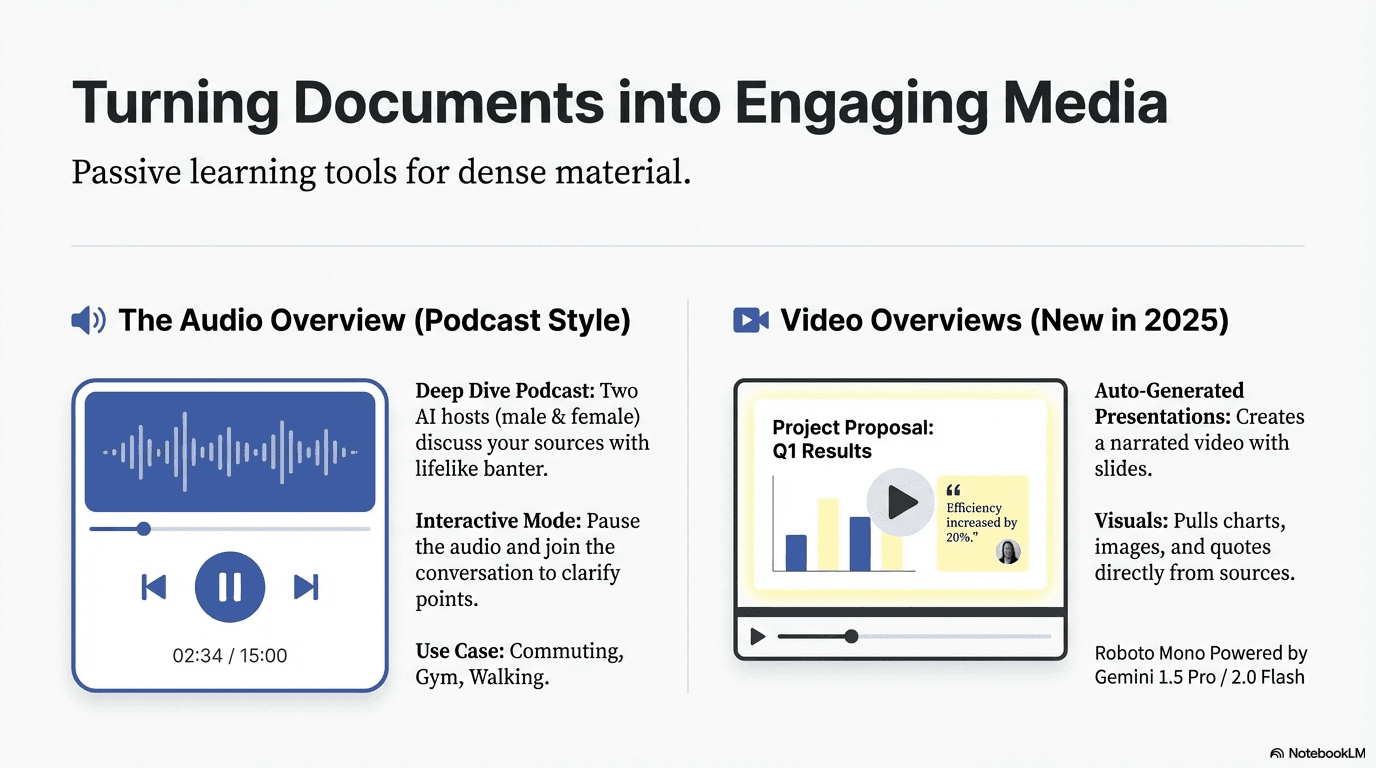
Add a NotebookLM or Gemini Notebook PDF, or upload slide images.
EditLM prepares your slide so you can continue working in PowerPoint.
Open the finished file and update the text, colors, size, or placement.
Update and reuse the presentations you already like.
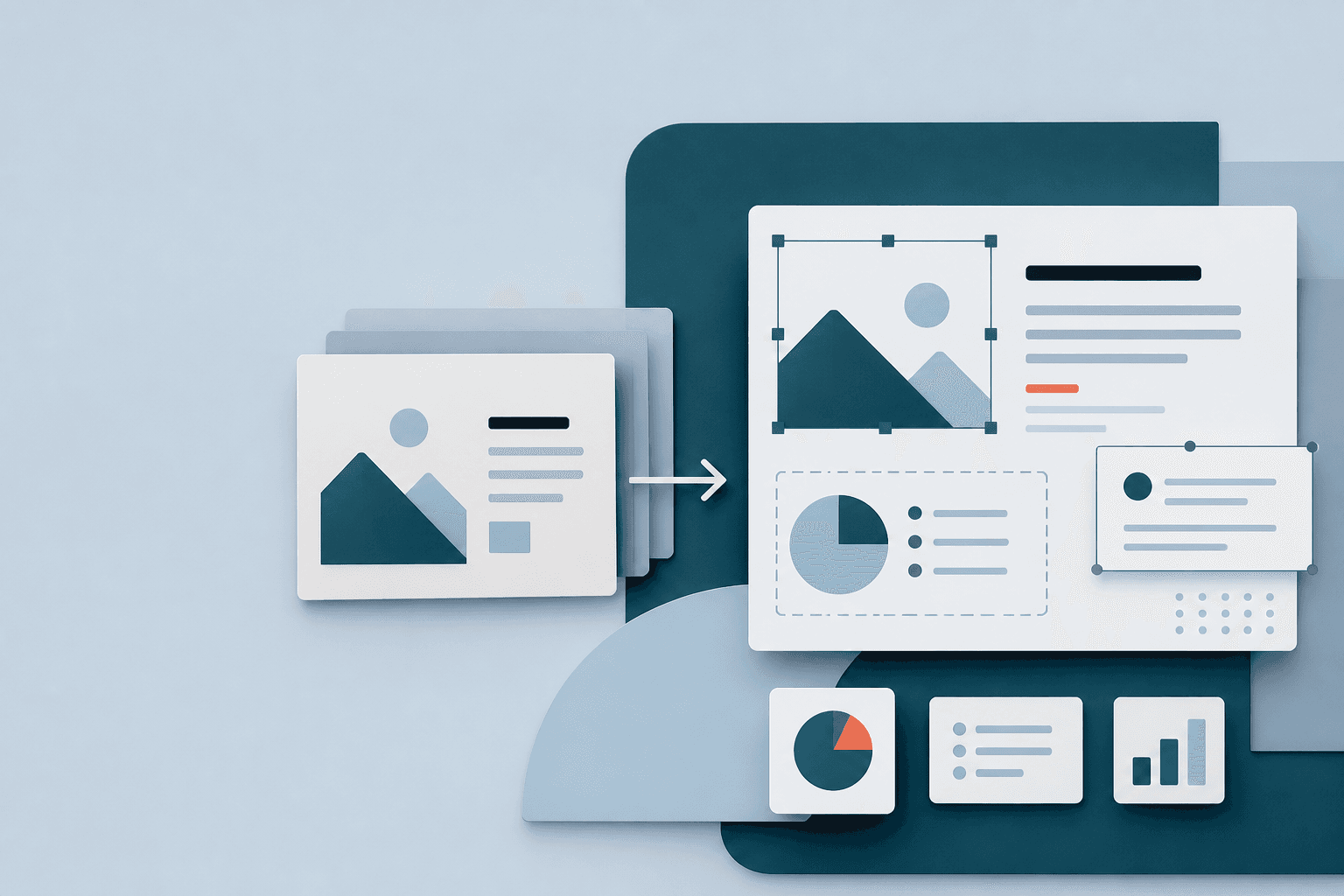
Update headlines, descriptions, and labels before presenting.
Reuse a strong slide while keeping its information current.
Create versions for different teams, clients, or markets.
Adjust the wording, typography, colors, and placement in PowerPoint.
Turn a finished slide into a presentation asset you can update again.
Polish your slides without recreating the presentation from scratch.
Continue working with your slides in the presentation tools you already use.
Open your file in Microsoft PowerPoint and update the slide text immediately.
Continue with the visual style of your original NotebookLM slides.
Change headlines, numbers, dates, and labels without rebuilding the slide.
Your files stay private to your account and are automatically deleted after seven days.
Upload NotebookLM decks, Gemini Notebook PDFs, presentation PDFs, or slide images and continue editing them in PowerPoint.
Convert a slide freeOne-time purchase. No subscription. Your slides never expire.
Everything you need to start editing your slides.
Download your slides from NotebookLM, upload the PDF or slide images to EditLM, and download the finished PowerPoint file.
Yes. Upload the NotebookLM PDF, choose the slides you want, and download the PowerPoint when it is ready.
Yes. EditLM works with Gemini Notebook PDFs and image slides.
Yes. Upload PNG or JPG slide images and turn their text into content you can edit in PowerPoint.
Yes. Keep Remove watermark selected when setting up your conversion, or choose to keep the logo in the finished PowerPoint.
You can update slide text, including headlines, descriptions, numbers, dates, and labels. You can also change common text styling and placement in PowerPoint.
No. Your first slide is free, and you can purchase additional slides whenever you need them.
Your finished files are available for seven days, giving you time to download and review the PowerPoint.
Yes. Upload the downloaded PowerPoint file to Google Slides and continue working with it there.
Choose the fastest route from a flat slide to a presentation you can keep working with.
Upload one slide and continue editing it in PowerPoint.
Convert a slide free